The photo is yours.
The background is optional.
Remove backgrounds without uploading your photos.
A free photo studio, right on your device.
Free to use No credits No sign-up
One photo.
Three layers to understand.
The model finds the subject. A mask tells the browser what to keep. You get the cutout, with the original still yours.
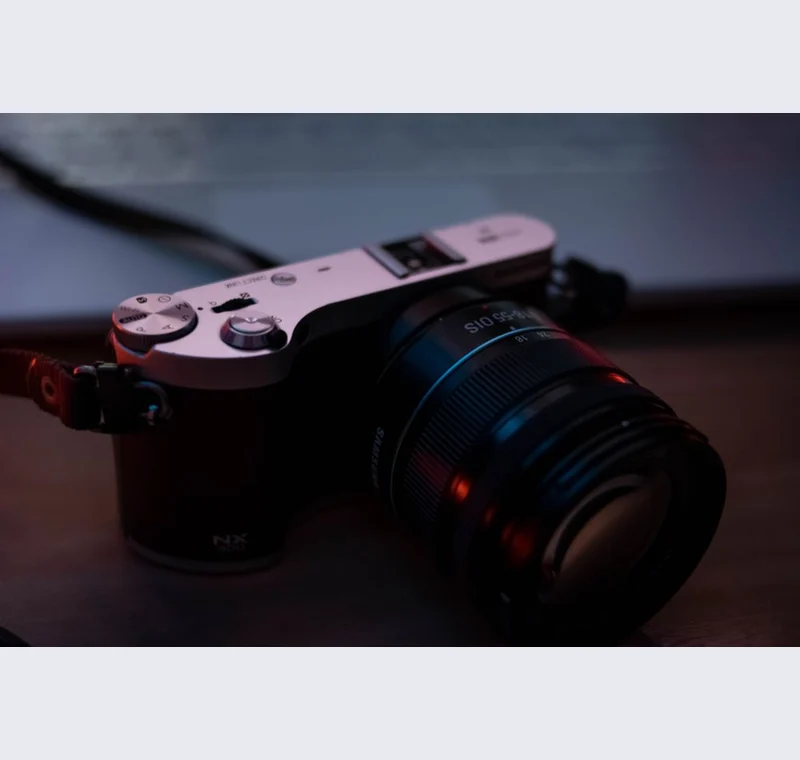
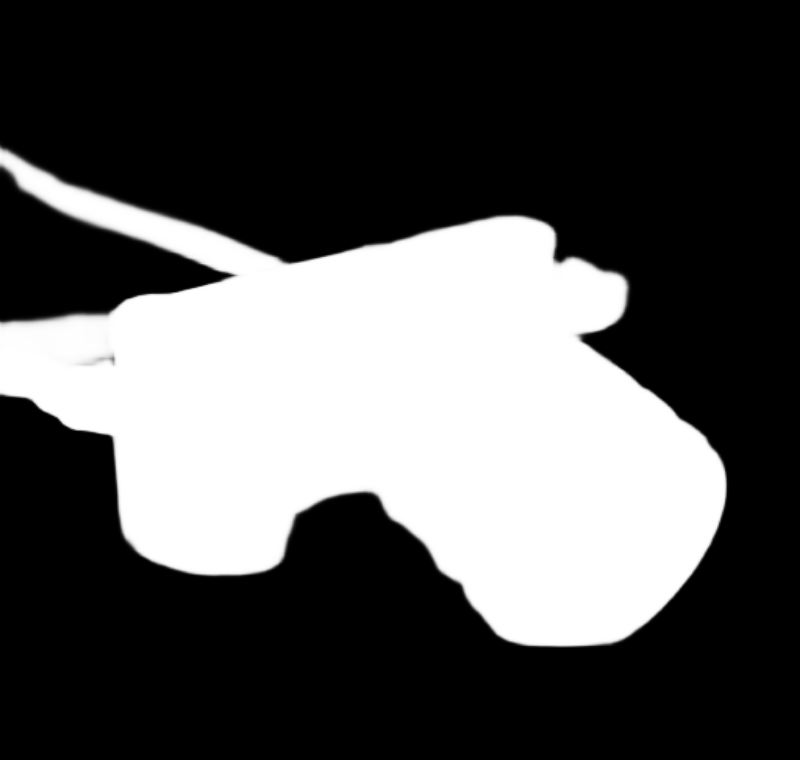
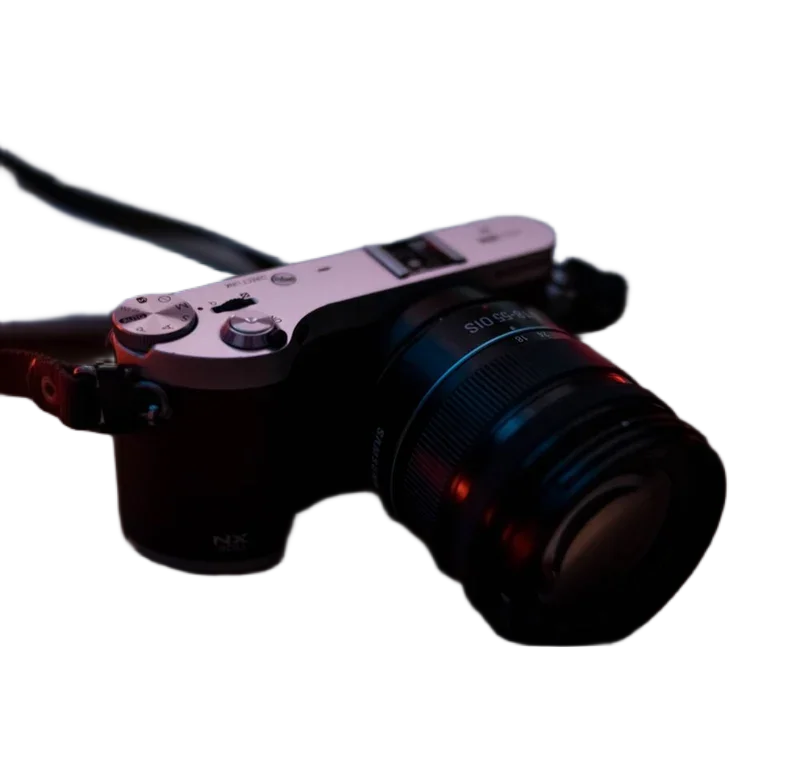
Example from the real High detail model. Look closely at the strap and lower edge.
Inspect the outputs and limitations ↗
Photo: Wallace Chuck / Pexels
Photo credit and license
Choose the next edit.
One place for the everyday edits. Start with the tool you need, then save directly to your device.
Remove a background
Find the subject, refine the edge, and export a transparent cutout.
Resize & crop
Set exact dimensions or find the right frame for your image.
Compress an image
Compare file sizes and choose the quality that works for you.
Make it a product photo
Give a cutout room to breathe on a clean square canvas.
Convert a file
Switch formats in your browser with clear support checks.
Prepare an ID photo
Official size guides, a crop overlay, and printable photo sheets.
Your photos do not
need a round trip.
The model comes to your browser. Your image stays with you.
Background removal downloads an open-source model from Hugging Face, then runs locally. Basic tools use your browser's image engine. There is no image upload, account wall, or tracking script.
Read exactly how processing works →Get the file right.
Photos that fit the listing
Image rules from the platforms themselves, with a preset you can actually use.
Official specificationsA better starting point for ID photos
Sizes and crop guides tied to government instructions. Always check before submitting.
Methods & evidenceSee what we tested
Real sample images, measured files, and honest notes about model limitations.